 ks
ksAbout
Color, made personal.
A space to find a look, understand what it does, and make it your own. Videolooks brings LUTs and precise color controls together in your browser.
Start with a feeling.
Explore the included looks on your own image or video. Compare the original and the result, soften the intensity, and keep the look that fits your frame. A LUT is a starting point; your image decides what works.
Make room for the details.
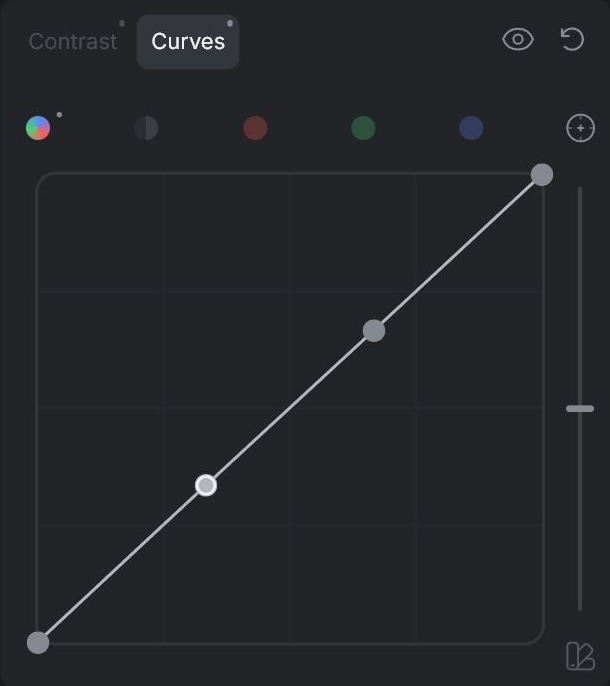
Grade brings together Color, Contrast, Vibrance, Light and Hue. Switch to Primaries or RGB/Luma Curves for another way to shape the image. Vibrance and Light each have their own spline view. Hue offers Spectrum and Auto views, with separate Shadows and Highlights settings. Your adjustments stay in place as you switch views.
Keep your work in your hands.
Images and videos are processed on your device. Export a graded image or video, or save a .cube LUT for a compatible editing application. You keep the rights you hold in your original media and rendered output.
Learn by changing one thing.
You do not need to know every control before you begin. Start with a frame, make a small change, and compare. Open Help from the bottom-left icon in the editor for an explanation of the control you hover. Extended View adds practical examples and technical detail.